 Fusion FuseFree versionPro
Track Attach
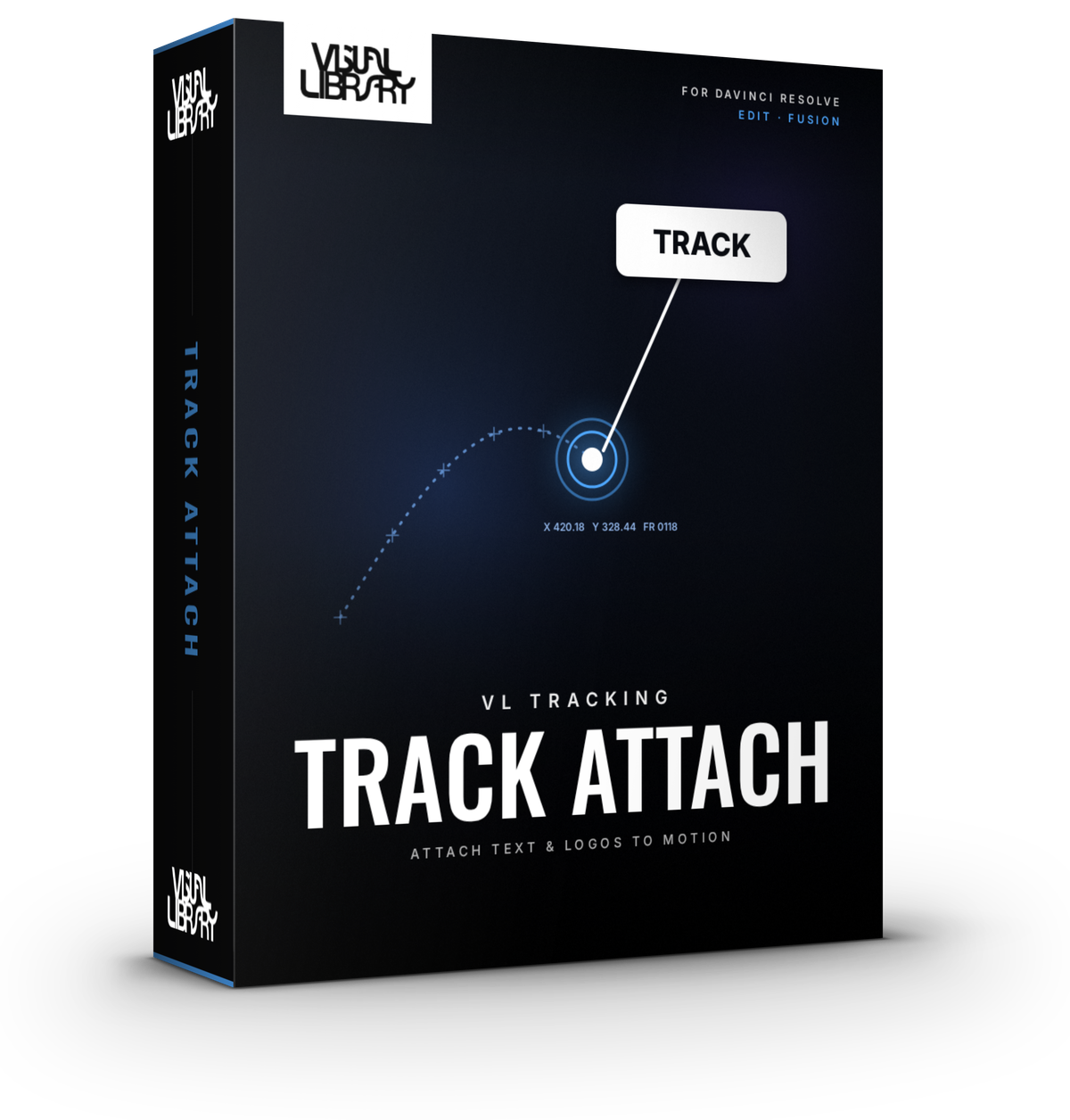
Track an object and stick text, a logo or an image to it, all from one node. Drag the tracker box onto your subject, track forward or in both directions, then set a reference frame and style the overlay. Installs into Fusion as "Track Attach", together with a small internal tool called "Track Attach Engine".
- Track Forward, Bidirectional & From Current Time
- Attach Text or Image content, fully styled
- Second Point tracking for rotation & scale
- Remove Jumps & Smooth Jitter cleanup
- DaVinci Resolve Free & Studio
- Personal & commercial license
- Secure checkout via Stripe
Inside the tool
Built for the Fusion page
Free vs Pro
Free
- Drag-to-track box with Track Forward and Bidirectional
- Track Forward From Current Time to pick up a lost track
- Show Tracking Image with adjustable contrast
- Attach text, fully styled with font, colour, outline and box
- Remove Jumps and Smooth Jitter cleanup
- Fade, Pop, Slide and Grow animations
- Works on both the Fusion page and the Edit page
Pro Everything in Free, plus
- Attach images and logos with the built-in Image source
- Overlay input on the Fusion page, so you can attach any node: Text+, graphics or a whole comp
- Second Point tracking, so the overlay follows the object's rotation and scale
Development log
-
Pro v1.9.2 · Free v1.9.3Latest
- Free edition: fixed a bug where locked controls could lose their value when Resolve renders on several threads
- New installer. Run the same file to install, update or uninstall, and your saved presets stay put
-
v1.9.2
- Show Tracking Image now has adjustable contrast
- Small fixes and stability improvements
-
v1.9
- Tracking now runs on the Fusion Tracker only. The old Predictive engine has been removed
- Tracking prep (contrast & denoise) with Show Tracking Image
-
v1.8
- Fusion page version gets an Overlay input so you can swap in your own node
- Edit page version added
-
v1.7
- Remove Jumps fixes short glitches in a track automatically
- Smooth Jitter for shaky tracks
-
v1.6
- Second Point tracking for rotation and scale
-
v1.4
- Bidirectional tracking and Track Forward From Current Time to recover a lost track
- Reference frame setting
-
v1.2
- Attach an image or logo, not just text
- Drag Placement to position the attached content
-
v1.0
- First release
- Drag a tracker box onto your subject, track forward and attach styled text to it
