 Fusion FuseFree versionPro
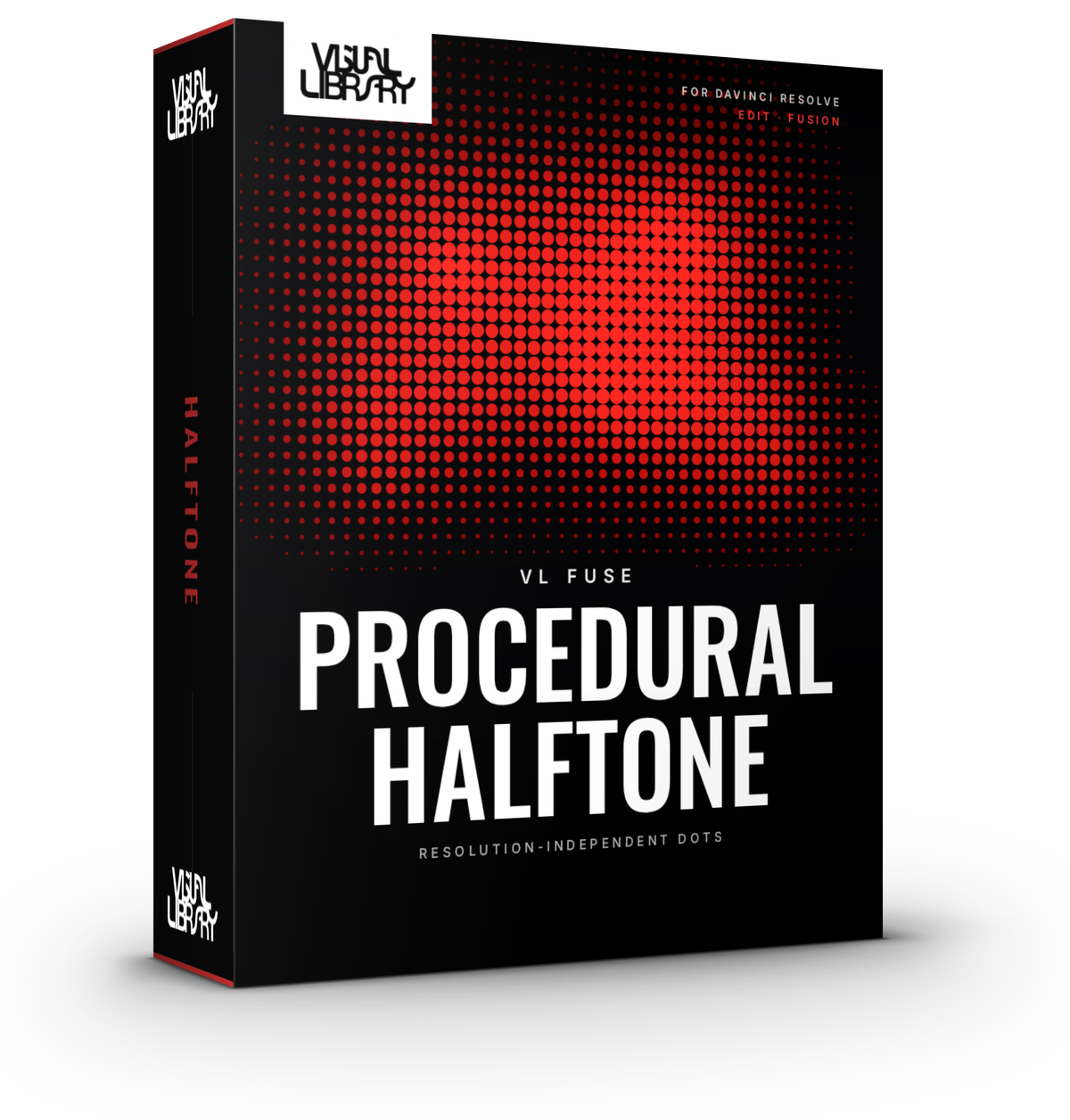
Procedural Halftone
Turn your footage into a halftone dot screen, drawn fresh from your image at any resolution. Columns sets how many dots fit across the frame, so the look stays the same whether you cut in 1080p or 4K. Installs into Fusion as "Procedural Halftone Free" or "Procedural Halftone".
- Round or square dots, Full Colour or Monochrome
- Dot size, softness, glow & background colour
- GPU accelerated, resolution independent
- DaVinci Resolve Free & Studio
- Personal & commercial license
- Secure checkout via Stripe
Inside the tool
Built for the Fusion page
Free vs Pro
Free
- Round or square dots
- Full Colour or Monochrome look
- Dot size, softness, glow and background colour
- GPU accelerated, resolution independent
Pro Everything in Free, plus
- 8 dot shapes: Round, Square, Rounded Square, Diamond, Hexagon, Plus, Ring & Triangle, with stretch and rotation
- 4 looks: Full Colour, Monochrome, Two-Colour and RGB Subpixel
- Posterize with ordered dither
- Grid rotation and offset, staggered rows
- Black threshold, dot variation, flicker
- Dead and stuck pixels, rolling refresh band
- Composite, dots-only or matte output
- Character (ASCII) shape with 10 character sets
- 15 built-in presets, plus save/load/delete your own
Development log
-
Pro v1.1.1 · Free v1.0.1Latest
- More built-in presets, including LED Wall, Game Boy, Comic Print and Newsprint CMYK
- New ASCII looks: a Character (ASCII) dot shape with 10 character sets, plus presets like ASCII Classic, ASCII Terminal, Edge ASCII and Matrix Rain
- New installer. Run the same file to install, update or uninstall, and your saved presets stay put
-
v1.0.0
- First release
- Round or square dots, Full Colour or Monochrome
- Dot size, softness, glow & background colour
- GPU accelerated, resolution independent
- Works on both the Fusion page and the Edit page
