 Fusion FuseFree versionPro
Magnifier
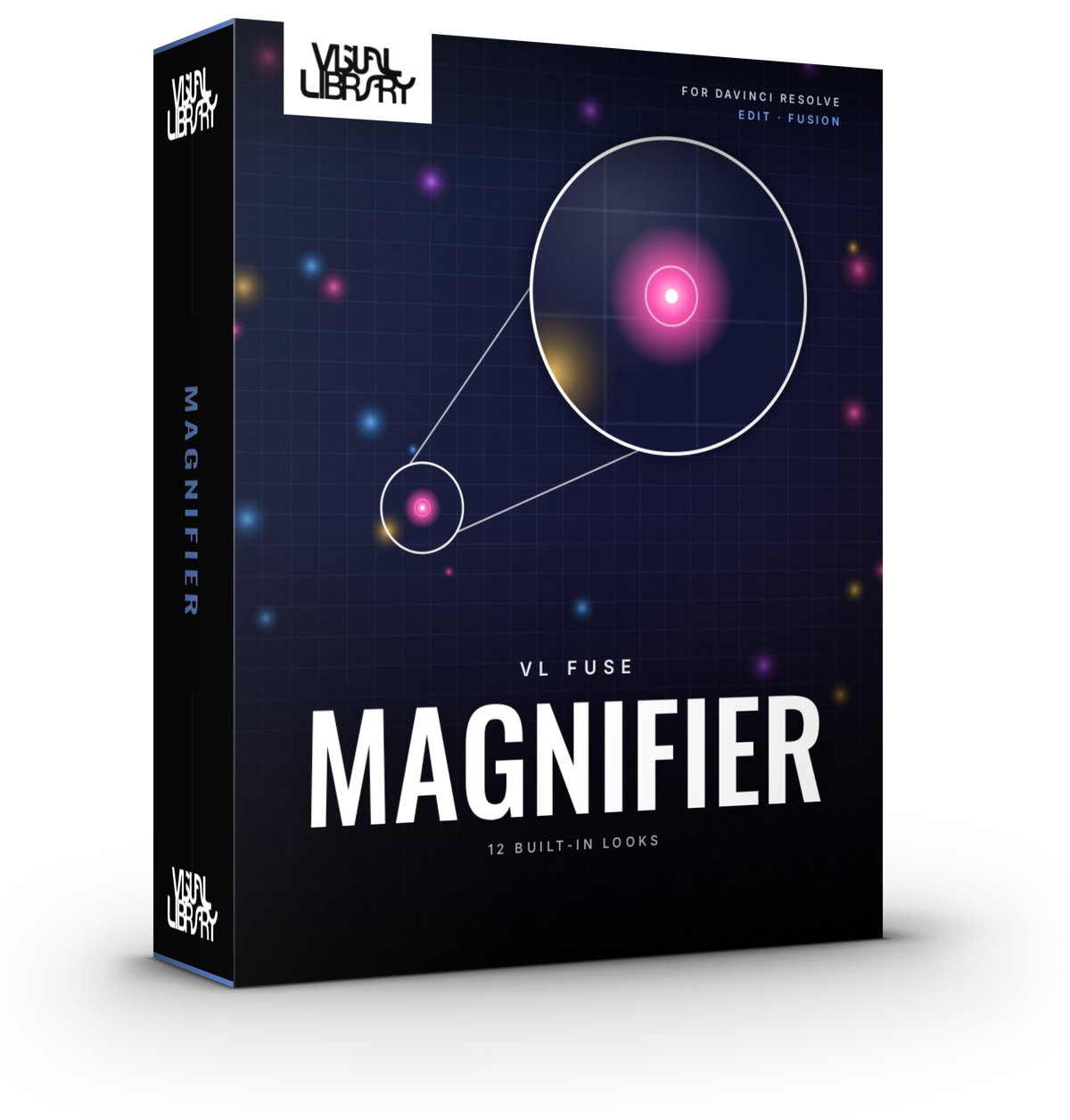
Point out the details that matter. Put Target on the thing you want to highlight, move Frame Center to where the zoomed view should go, and Magnifier draws the connector between them. Choose a circle or a rectangle, and show either a zoomed inset or just the frame. Installs into Fusion as "Magnifier Free" or "Magnifier".
- Circle or Rectangle, Zoomed Inset or Border Only
- Connector line from target to frame
- Keyframeable Frame Reveal & Line Draw-On
- DaVinci Resolve Free & Studio
- Personal & commercial license
- Secure checkout via Stripe
Inside the tool
Built for the Fusion page
Free vs Pro
Free
- Circle or Rectangle shapes
- Zoomed Inset or Border Only content
- Straight connector line
- Frame Reveal & Line Draw-On animation keyframing
Pro Everything in Free, plus
- 8 more shapes: Pill, Squircle, Diamond, Triangle, Hexagon, Octagon, custom Polygon & Star, all with rotation
- Callout Cone and Elbow connectors, dashed and marching lines
- Border glow, drop shadow, dim outside, corner brackets
- Auto intro/outro and 7 reveal styles, wobble and zoom pulse
- Saveable presets and 12 built-in looks
Development log
-
v1.3.0Latest
- New preset format. Presets you saved in v1.0 to v1.2 still load
- 12 built-in looks
- New installer. Run the same file to install, update or uninstall, and your saved presets stay put
-
v1.2
- Border glow, drop shadow, dim outside and corner brackets
- Auto intro and outro with 7 reveal styles, wobble and zoom pulse
- Saveable presets
-
v1.1
- 8 more frame shapes: Pill, Squircle, Diamond, Triangle, Hexagon, Octagon, Polygon and Star, all with rotation
- Callout Cone and Elbow connectors, plus dashed and marching lines
-
v1.0
- First release with Circle and Rectangle frames
- Zoomed Inset or Border Only
- Straight connector line from target to frame
- Keyframeable Frame Reveal and Line Draw-On
