 Fusion FuseFree versionPro
Layout Array
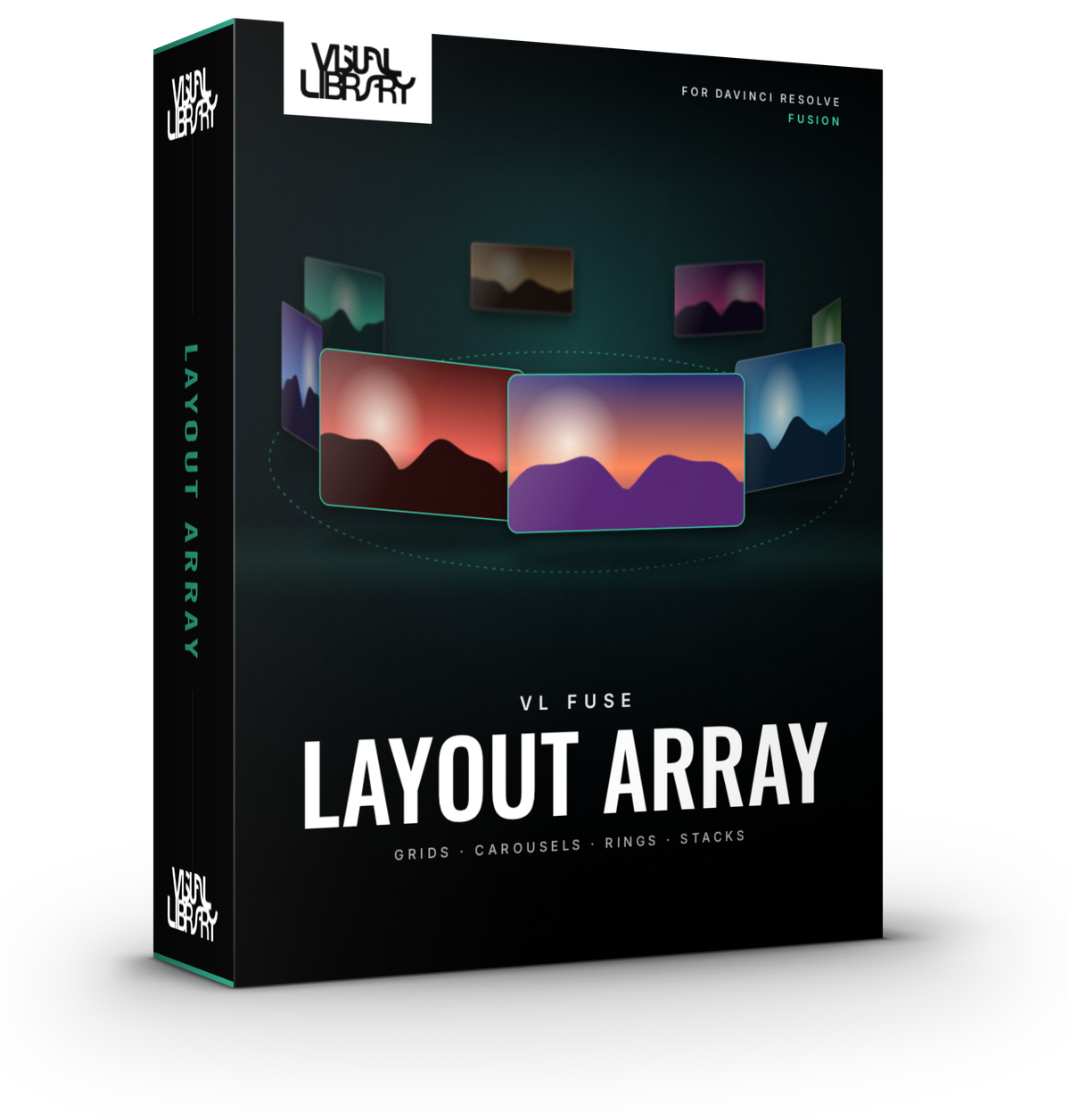
Arrange a whole set of clips in Fusion from one single node. Lay them out as a grid, a wave, a spinning 3D carousel, a ring, a spiral, a stack or a scrolling marquee, and let the tool animate them for you. Intros, outros and spins are all procedural, so there's no keyframing involved.
- Grid, wave, carousel, ring, spiral, stack, scatter & marquee layouts
- Procedural intros, outros and spins, no keyframes
- Rounded corners, borders, shadows and depth of field
- DaVinci Resolve Free & Studio
- Personal & commercial license
- Secure checkout via Stripe
Inside the tool
Built for the Fusion page
Free vs Pro
Free
- Grid, Line and Carousel 3D layouts
- Up to 6 clips
- Fade, Scale and Pop intros
- Rounded corners
Pro Everything in Free, plus
- All 8 layouts, adding Ring, Spiral, Stack, Scatter & Marquee
- Up to 16 clips, repeated as many times as you like
- Morph from one layout to another
- Fly, Drop, Flip, Spin & Gather intros and outros
- Borders, soft shadows, depth of field and a focus item
- Built-in and saveable presets
Development log
-
Pro v1.7.0 · Free v1.6.0Latest
- New Morph mode: animate from one layout to another, like Carousel to Grid or Line to Ring
- New installer. Run the same file to install, update or uninstall, and your saved presets stay put
-
v1.6.0
- Built-in presets, plus save and load your own
- Choose between GPU and CPU renderers, including true-perspective CPU Strips
-
v1.5
- Card styling: Fit or Fill, rounded corners, borders and soft shadows
- Depth of field and a Focus item that highlights the active card
-
v1.4
- Intros and outros: Fade, Scale, Pop, Fly, Drop, Flip, Spin and Gather
- Stagger plus one-click timing and length buttons
-
v1.3
- Added Scatter and Marquee layouts
- Connect Selected script for wiring many clips in one go
-
v1.2
- Added Spiral and Stack layouts (Cascade, Pile, Fan and Deck)
- Per-item rotate, spin and wobble
-
v1.1
- Added Carousel 3D and Ring layouts
- Rotate or spin the whole group like one 3D card
-
v1.0
- First release with Grid and Line / Wave layouts
- Procedural animation, so there's no manual keyframing
