 Fusion packFree versionPro
Doc Style Pack
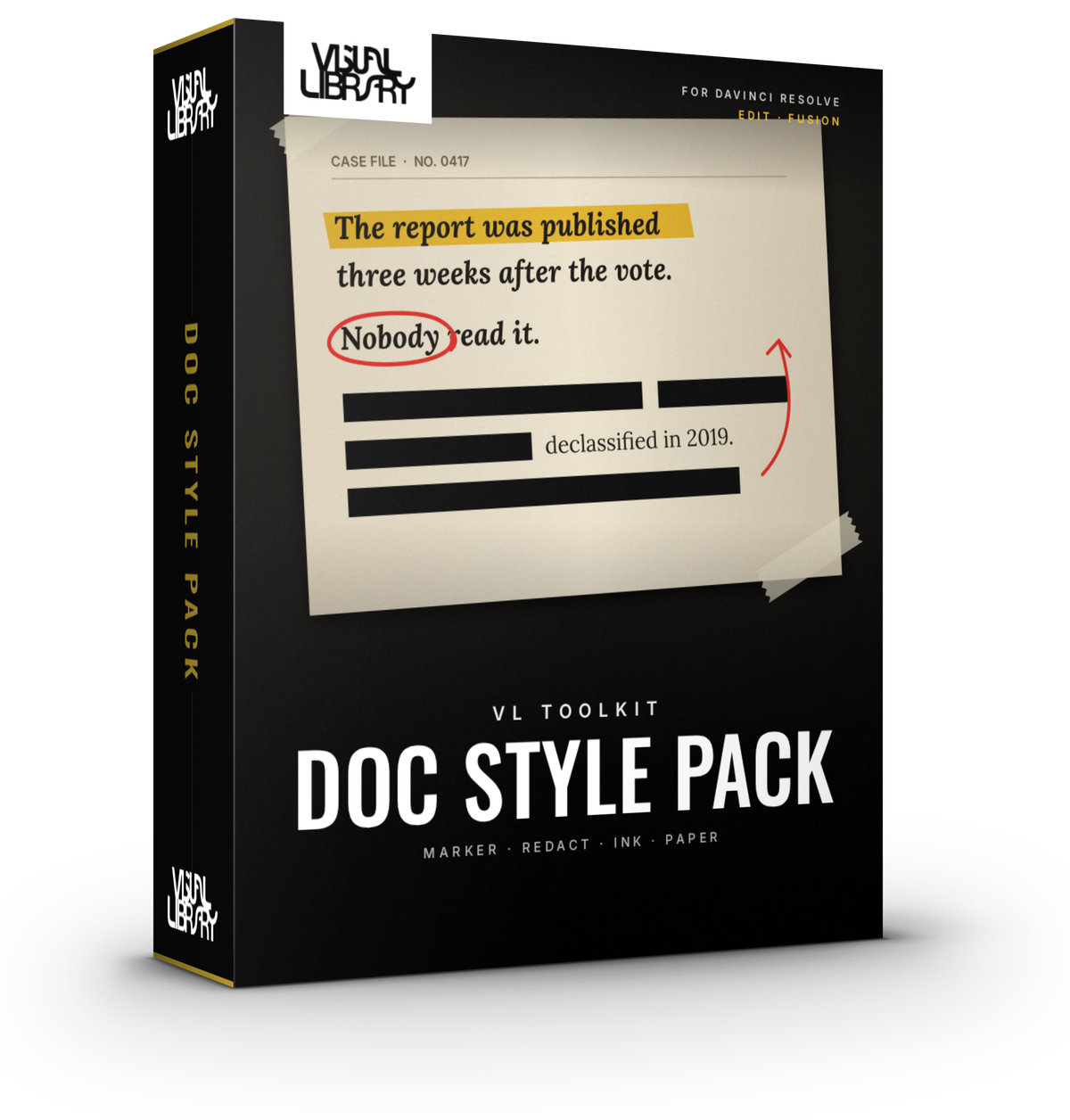
Give your edit that documentary case-file look. Highlight lines of text, scribble notes on screen, stamp ink titles and cut out photos onto aged paper, right on the Edit page or inside Fusion. Everything animates in on its own, so you don't need a single keyframe.
- Paper, Cutout & Annotate
- Ink Text & Ink Title
- Highlighter
- DaVinci Resolve Free & Studio
- Personal & commercial license
- Secure checkout via Stripe
Inside the tool
Built for the Fusion page
Free vs Pro
Free
- VL Highlighter with Marker and Redaction Bar styles
- VL Annotate: hand-drawn circles, underlines and arrows that write on
- Draw and Fade animations, timed in two clicks
- Hand Speed Variation, so strokes move like a real pen
- Works on both the Edit page and the Fusion page
Pro Everything in Free, plus
- VL Ink Title: ready-made text with a printed ink look, stamp frames and a paper card
- VL Paper for procedural paper backgrounds
- VL Cutout for collage-style cutouts with border and shadow
- Tape style for the Highlighter
- More animations: Grow From Center, Slap On, Stamp, Ink Dissolve, Typewriter, Pop, Drop In and more
- Built-in presets, plus save and load your own
- Boil for a stop-motion, hand-made jitter
Development log
-
Pro v1.2.0 · Free v1.2.1Latest
- Ink Title: Line Spacing, Justify and Rotation
- Ink Title: Solid or Outline (hollow stamp) letters and an ink colour override
- Ink Title: Stamp Frame with optional double line, and a Paper Card behind the text
- New Typewriter In animation that types your title one letter at a time
- 4 new title presets: Classified Stamp, Hollow Stamp, Old Newspaper Headline, Typewriter Note
- Free edition: fixed a bug where locked controls could lose their value when Resolve renders on several threads
- New installer. Run the same file to install, update or uninstall, and your saved presets stay put
-
v1.2
- Added Ink Title for stamped, inked headlines
- Every tool now works on both the Edit page and the Fusion page
-
v1.1
- Added Cutout for collage-style photo cutouts
- Added Ink Text with Ink Dissolve, Stamp, Wipe and Fade animations
- Saveable presets
-
v1.0
- First release with Highlighter, Annotate and Paper
- Auto In animation, so everything animates without keyframes
